



The Shift from Managing Work to Moving Work Forward
Every project manager knows the feeling: you spend as much time organising tasks as you do completing them. Between creating cards, assigning deadlines, updating progress, and chasing missing information, the process can become a loop of administrative effort.
Asana AI is changing that equation. Automating repetitive actions and surfacing smarter insights helps teams move beyond task management and into real progress. This is where asana task management becomes more than scheduling—it’s about creating systems that support real momentum.
It’s not just about faster updates — it’s about smarter collaboration.
Automation That Works Like a Team Member
Modern work runs on workflows. Whether it’s launching a new website or maintaining dozens of live projects, every step involves coordination. But when those steps rely on manual intervention, friction builds fast.
That’s where Asana AI comes in. It quietly handles the predictable, rule-based parts of work — assigning tasks, setting due dates, updating statuses, and even flagging blockers — so teams can focus on what actually matters. And for teams still asking what is Asana software used for, the answer becomes clear: it’s built to reduce friction and streamline every layer of operational workflow.
AI-powered automation in Asana isn’t about replacing people. It’s about reducing busywork, maintaining consistency, and keeping projects aligned without micromanagement.
A Real-World Example: Maintenance Workflows Made Smarter
In website maintenance workflows, efficiency and accuracy go hand in hand.
As a project manager, I’ve used Asana AI to streamline how recurring tasks are handled. For example, I’ve set up Asana Rules that automatically alert assignees if a maintenance card is missing key information — things like the website URL, credentials, or screenshots. This simple step saves hours of follow-up and ensures developers have everything they need before getting started.
Once a card is verified as complete, Asana automatically creates a subtask containing all relevant details. That means no more copying and pasting between tickets, no manual data entry, and no confusion about what’s ready for development.
The result? A cleaner handover, fewer delays, and a lot less mental clutter. In moments like these, asana ai shows how small automations can produce outsized impact on day-to-day operations.
Working Smarter Without Full Integration
One challenge with Asana is that it doesn’t yet offer direct integration with Microsoft Teams — a tool many agencies rely on for day-to-day communication.
The workaround? Configuring Asana bots to send task updates directly within Teams. Whenever I’m tagged as a collaborator or assigned a task, I get notified instantly in my chat feed. It’s a simple tweak that keeps communication centralised and eliminates the need to toggle between tools.
This integration workaround, powered by automation, makes Asana a natural part of the team’s rhythm — not just another platform to check. It also highlights how flexible asana task management can be, even when built around imperfect tech stacks.
The Real Power of Asana AI: Consistency
One of the biggest wins from using Asana AI isn’t speed; it’s reliability. When rules are clearly defined, processes become repeatable — and repeatability is the foundation of scalability.
AI ensures that:
- Tasks are always assigned correctly.
- Deadlines are generated based on project timelines.
- Incomplete cards trigger automatic reminders.
- Status changes reflect real progress, not manual input.
It’s like having a silent project coordinator who never forgets a step or misses a detail. In many ways, this clarity answers what is Asana software used for: building dependable, repeatable processes that support teams at scale.
Where Human Judgment Still Matters
Of course, automation is only as good as the data it receives.
As anyone managing complex projects knows, the biggest bottleneck isn’t the tool — it’s human error. Even with AI rules in place, team members can forget to include essential details or skip steps when creating tasks. That’s why building clear standard operating procedures (SOPs) is essential.
My approach:
- Define required fields that must be filled before a card can be submitted.
- Use checklist templates for recurring task types.
- Train teams on what “complete” means for each workflow.
These small process improvements help Asana’s automation perform at its best. The AI takes care of the repetition — but humans still set the standard for quality. And when paired with thoughtful SOPs, asana ai becomes a reliable extension of the team.
Reducing Cognitive Load and Increasing Focus
The less time teams spend managing work, the more time they can spend doing it.
Asana AI’s strength lies in how it declutters the day. Removing routine follow-ups it reduces cognitive load — freeing mental space for problem-solving, collaboration, and creativity.
For a project manager, this shift is profound. Instead of being the gatekeeper for every update, you become the strategist who ensures projects move smoothly and efficiently.
AI handles the updates. You handle the outcomes. This balance is at the core of effective asana task management.
From Efficiency to Effectiveness
Efficiency is often misunderstood as doing things faster. But true efficiency is about doing the right things with less friction.
By automating repetitive steps, Asana AI gives teams more time to focus on higher-value work — creative problem-solving, client communication, and innovation. The difference is felt in the rhythm of the workday: fewer interruptions, smoother transitions, and clearer visibility.
It’s not just about saving clicks — it’s about creating flow. And that’s ultimately why teams exploring what is asana software used for often discover it becomes the backbone of their operational flow.
Lessons Learned: Automation Needs Structure
After months of using Asana AI, one lesson stands out clearly: automation magnifies the quality of your existing process.
If your workflow is clear, AI makes it seamless.
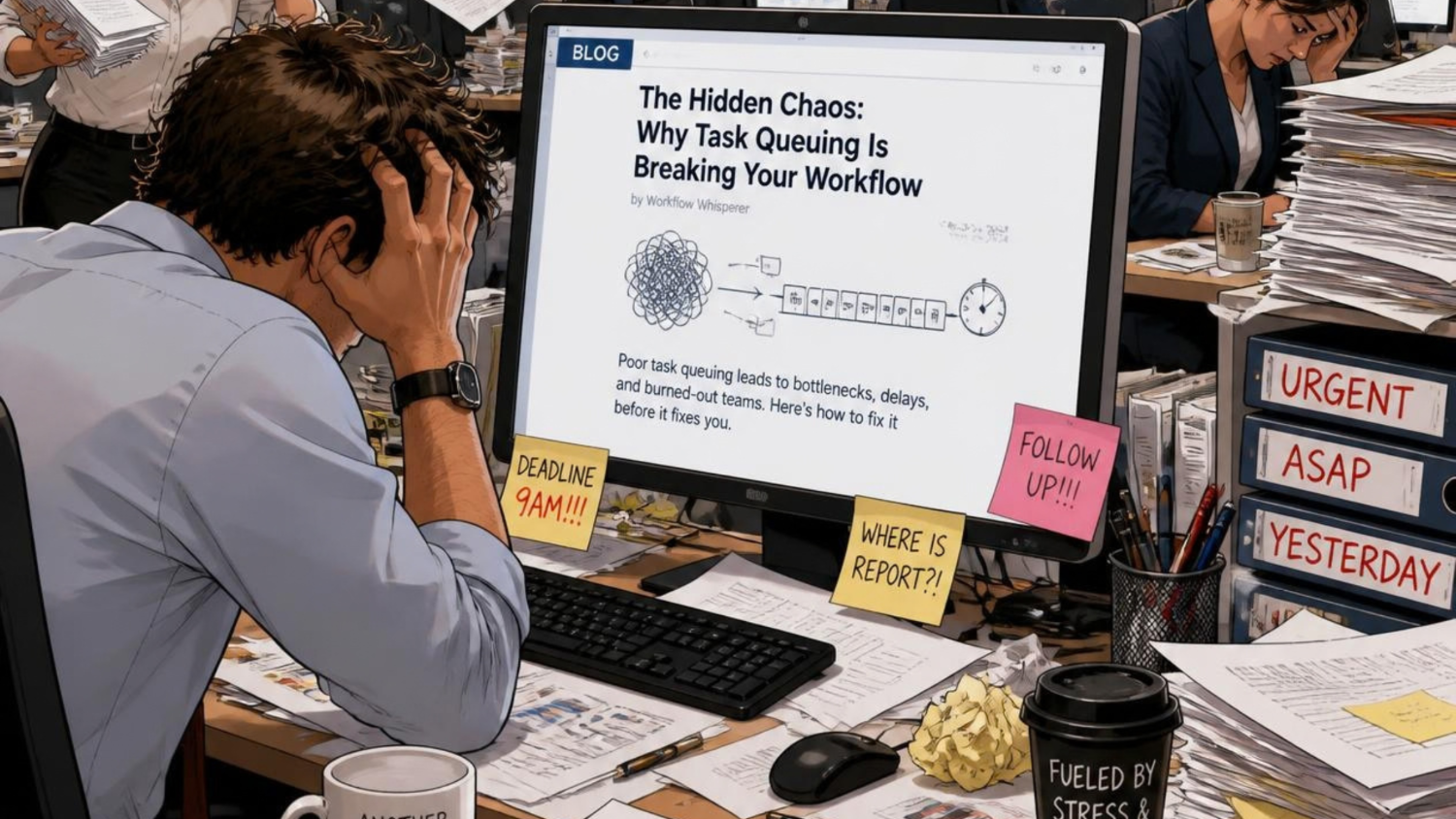
If your workflow is inconsistent, AI only accelerates the chaos.
That’s why the foundation matters. Before implementing automations, take the time to define what “done” means, what data every task needs, and how each handoff should look. The AI will take care of the rest — but it needs structure to succeed.
This is where thoughtful asana task management truly shines, converting scattered workflows into consistent operational systems.
The Takeaway: Smarter Systems, Human Leadership
Asana AI isn’t about removing human oversight — it’s about empowering it.
By automating the mechanical side of task management it lets project managers focus on leadership: aligning teams, anticipating risks, and ensuring quality.
Automation might handle the workflows, but it’s human judgment that keeps projects moving in the right direction.
When Asana AI takes care of the small stuff, teams can finally focus on what matters most — delivering great work. And in our white label agency, this shift has become essential, allowing us to maintain high-quality output while keeping operations seamless and scalable.
Related Articles




Why Choose Us?
With decades of experience and a dedicated team, we are committed to delivering high-quality web development services. Our client-centric approach ensures that we understand your needs and provide solutions that exceed your expectations.