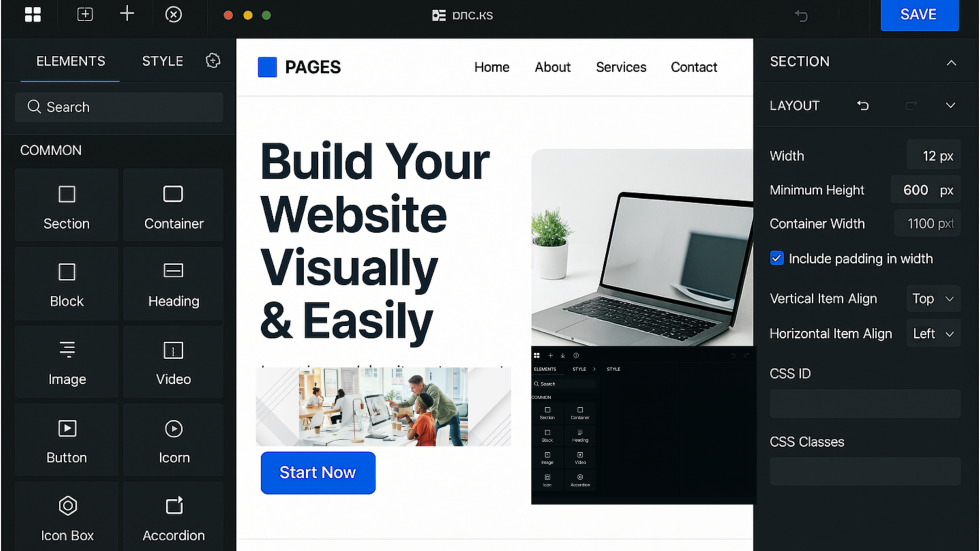
Bricks Builder is gaining attention as a modern alternative to traditional WordPress page builders like Elementor. While it offers a familiar visual editing experience, it stands out with a more developer-friendly approach—cleaner HTML output, reusable CSS classes, and powerful dynamic content tools. This article explores why Bricks is worth trying, particularly for developers looking for more control without giving up the convenience of visual building.
Working from home offers flexibility, but long hours at a desk can quietly impact your health, energy, and focus. This article explores simple, practical habits—like movement, posture, hydration, and screen breaks—that help maintain physical wellbeing and productivity throughout an 8-hour workday. Designed for busy professionals, it focuses on small, sustainable changes that make a real difference.
Remote work is often debated, with some questioning whether employees can remain productive outside the office. However, for many development teams, working from home can actually improve both productivity and work quality. Drawing from real experience as a remote developer, this article explores why focused work, reduced commuting stress, and clear communication make work-from-home setups highly effective for companies. It also highlights the trade-offs and how organisations can balance productivity with team connection.
This post explores how development teams can scale WordPress projects efficiently using Advanced Custom Fields (ACF) and a structured block workflow. Instead of relying on React-heavy custom block development, it shows how combining ACF PRO, block.json, and a consistent folder structure allows developers to build flexible, reusable Gutenberg blocks entirely in PHP.
This post explores the best free WordPress plugins to speed up your website. It explains key PageSpeed metrics like LCP and CLS, then outlines a workflow for improving performance—from caching and image optimization to asset cleanup and security. With plugins like WP Fastest Cache, Smush, and Autoptimize, you can make your site load faster, boost SEO, and deliver a smoother user experience.
This post highlights the best free and premium WordPress plugins to boost website accessibility. It explains key principles like color contrast, alt text, and keyboard navigation, and offers a simple workflow for improving inclusivity. From WP Accessibility to UserWay, it shows how the right tools and good content practices make your site usable for everyone.
This blog post provides a comprehensive guide for creative and digital agencies on how to design bulletproof email templates that render consistently across all major email clients and devices. It explores common challenges such as broken layouts, inconsistent CSS support, missing images, and unsupported HTML elements.